 Tricky Mind Blow

Tricky Mind Blow Walkthrough
Find your level by number and see which part of the scene to try first.
Browse levels
Recently updated
Game screens from Tricky Mind Blow
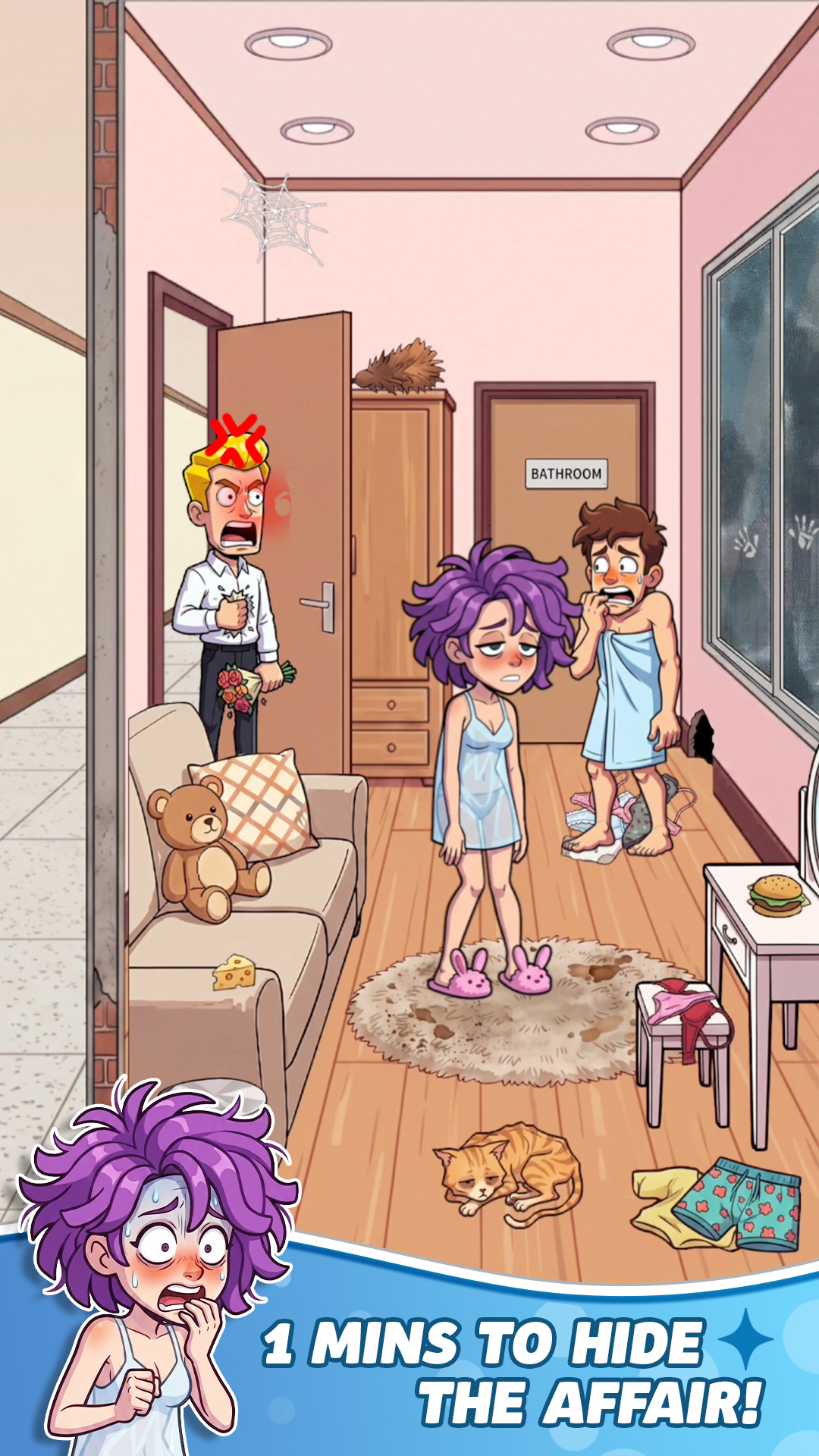
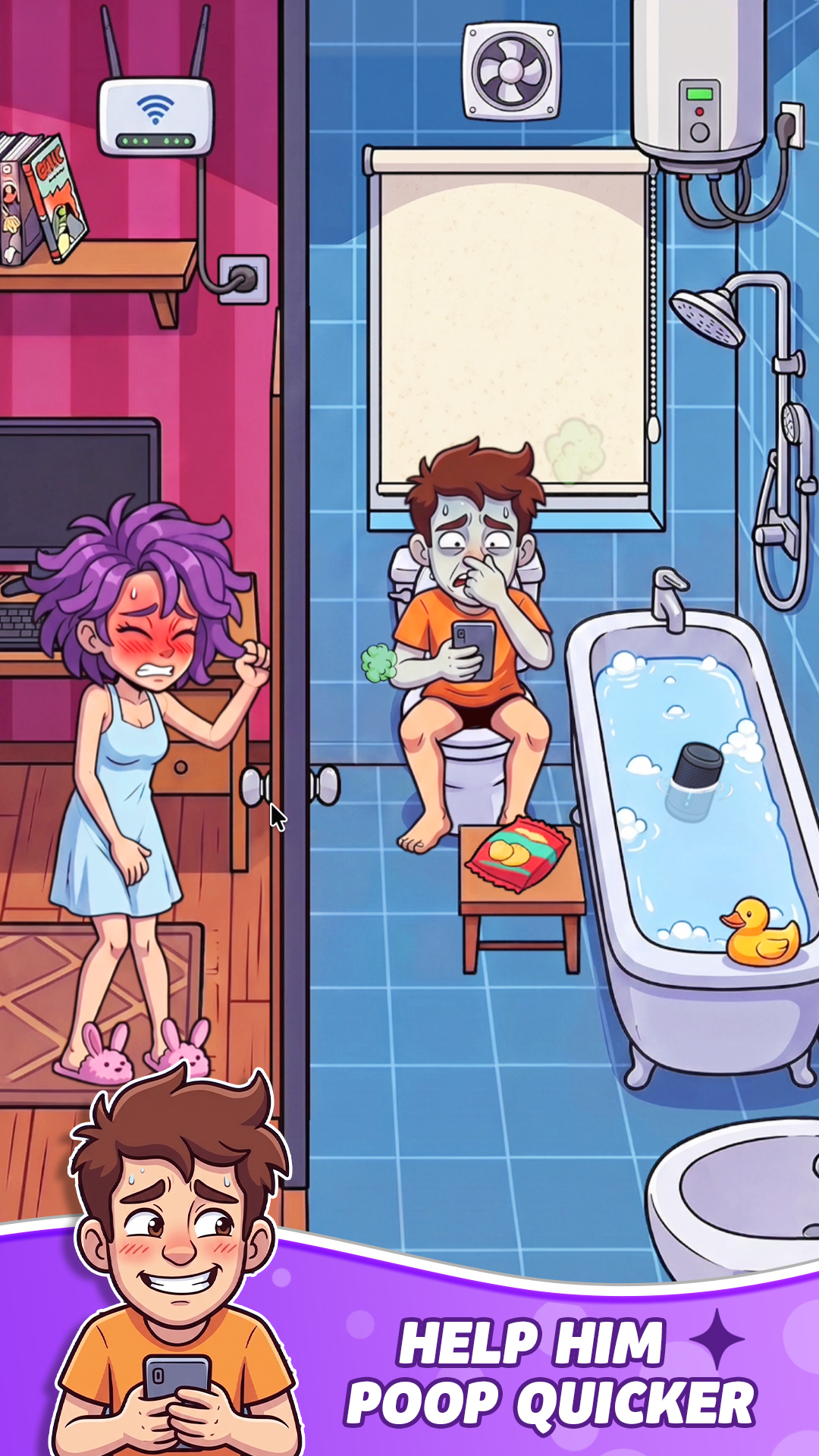


About the game
Tricky Mind Blow is a cartoon scene puzzle by Sugarscone. Use the people and objects in each scene to work toward the goal.
Find 63 video walkthroughs by level number.
- Publisher
- Sugarscone
- Platform
- Android, iPhone, iPad
- Guide coverage
- 63 levels
- Last updated
- Game store
- Google Play
 · App Store
Tricky Mind Blow is Sugarscone’s mobile puzzle game about helping cartoon characters out of awkward situations. Each scene gives you a problem to solve with the people and objects already on screen. Find the number in the index, compare the opening frame, and watch the part of the video that answers your question.
Start with the scene you have open
The fastest way to find the right walkthrough is to start at the level number and confirm it with a visual detail. In Enter the Room, for example, the entrance and the area around it give you a reference point. In Dormitory, the arrangement of the room matters more than the fact that both scenes take place indoors. If the picture does not agree with the walkthrough, check the opening instruction and look for a guide with the right scene before copying a move.
Use the level selector when you know the number, or open a range to browse available walkthroughs. On an individual page the short clue gives you something to try on your own. Play the video if that clue gets you past the first obstacle but leaves you unsure about the next one. A credited link is available on each page if you prefer to watch directly on YouTube.
Everyday problems with a comic turn
The developer introduces the game through a camping date that goes wrong. You have to read the characters’ reactions and make choices that improve the mood. The surroundings supply possible answers, from a sandwich and a rose to a way of dealing with the weather. The joke comes from watching the solution change the situation, so it helps to focus on who needs help and what is currently stopping them.
The numbered videos cover more than dates. The wedding photo puzzle asks you to change the arrangement before the picture is taken. Other scenes ask you to look for hidden cash, help someone cross a road, or prepare a dish. The action that matters in one scene may accomplish very little in another. Use the instruction on screen to narrow down the objects worth trying.
Read the instruction before touching the props
The wording is often the strongest clue. Cleaning a room has a different purpose from entering one. Hiding cash asks you to find somewhere the cash can go, while finding cash sends you looking for spots where it could already be concealed. Say the goal in a short phrase if the room looks busy. That gives you a way to separate the objects that could change the outcome from the parts of the picture that simply establish the setting.
Watch for a response after trying something. A changed expression, a moved obstacle, or a new part of the scene can show where to look next. At the campsite, the happiness bar provides another sign of progress. If your first idea produces no visible change, look for a condition you can change before trying that same idea again.
Play along with the recording
Open a matching video and pause just before the move you need. Look at the object the player uses and where it ends up. A finger movement on a vertical recording can be hard to follow on a small screen. Watching the object’s starting and finishing positions is often easier. If the player moves through a sequence quickly, slow the video down and compare the scene after each move.
You can keep most of the solution a surprise by stopping the video as soon as your own screen changes in the same way. Come back for the next step only if you need it. This works particularly well in a cooking puzzle, where a video can show several ingredients in succession and it is easy to miss when preparation changes to serving.
Check the version when a number seems wrong
Store updates have added levels, and creator videos can reflect different releases. A repeated setting is another source of confusion. Finding cats and helping an electrician lead to completely different tasks even when search results associate both with the same number. Match the instruction and the opening layout, and use nearby level links only after identifying the scene.
The game is listed on Google Play and the App Store for Android, iPhone and iPad. Check the store entry on your device if you need to review compatibility or compare your installed release. A recording may use a different device or screen shape. Focus on the objects and prompt rather than how much empty space surrounds the playable area.
Frequently asked questions
What do I do in Tricky Mind Blow?
Read the prompt above the cartoon scene and look for objects that can change the situation. Give each action time to finish and use its visible result to decide what to try next. The camping date, for example, uses the character’s reaction and a happiness meter to show progress.
How do I pick the right walkthrough?
Enter your level number, then compare the video cover and opening instruction with your game. The door and objects around it help identify Enter the Room. If you get a different scene at the same number, match the prompt before following a move.
Which level is Get a Divorce?
The recording labeled Divorced is numbered level 42. Check the prompt and characters in your game, then use the video to see which part of the scene changes first. Search for the scene title if the numbering is different in your version.
Is Dormitory the same as Clear Dormitory?
The recordings in this index give Dormitory and Clear Dormitory different numbers. Compare your characters, room arrangement and task with both opening scenes if you are unsure. A shared location does not tell you what order to use the objects in.
Which guide covers Enter the Room?
Open the level 9 walkthrough and compare the entrance with the one in your game. The short hint directs you to inspect the area surrounding the entrance. If you need the exact placement or order, pause the video immediately before the doorway changes.
Where is the proposal puzzle?
Look for Help the Man Propose Successfully in the level 12 recording. Before starting that video, compare the characters and the items around them with the scene in your app. In the game, keep watching for the response after each interaction with a prop.
Which recording shows Help the Electrician?
The guide at level 33 uses the electrician scene. There is also a creator upload with a cat-finding scene labeled 33, so compare the in-game prompt. If your objective is finding cats, open the cat scene and check the opening frame there.
Are there two Rescue the Girl scenes?
The videos include a rescue scene at level 13 and a second rescue scene at level 17. Use the positions of the character and the obstacle to tell them apart. If neither frame matches, check the exact wording of the prompt.